


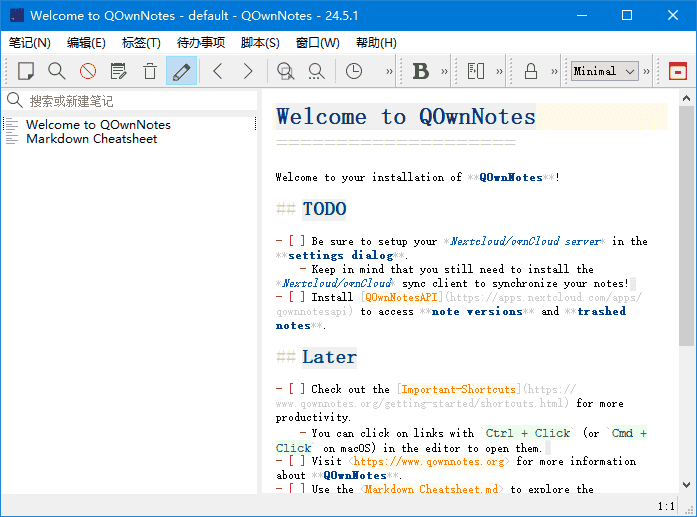
QOwnNotes是一款功能强大的跨平台笔记应用程序,可以帮助用户轻松管理笔记、任务和清单。
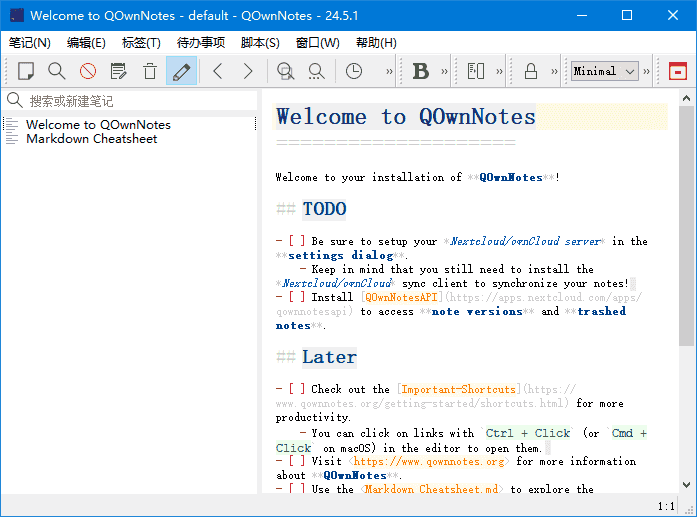
软件特点
1.支持多种编辑器:支持Markdown、Html、和其它多种文本编辑器;
2.易于搜索:可设置快捷键进行搜索,支持正则表达式搜索;
3.多个账户:可以管理多个账户,并可以自定义设置;
4.可定义笔记标签:可以使用标签来组织笔记,方便查找;
5.全文搜索:支持全文搜索,可以在整个笔记库中搜索文本;
6.数据同步:可以通过多种方式进行数据同步,包括Dropbox、Nextcloud等;
7.导出功能:可以通过PDF、HTML等格式导出笔记。
更新日志
26.3.4
Fixed hanging-indented wrapped Markdown list items still occasionally clipping
the caret on click on Windows and Linux/X11, and fixed current-line highlight
alignment drifting after nested list items in the note text edit
Fixed cursor placement and text selection becoming offset in hanging-indented
wrapped Markdown list items after keyboard navigation, which could also draw
the current-line highlight on the wrong visual line
Fixed clicking percent-encoded relative attachment links in the note preview opening
a non-decoded path
Added moving note subfolders to another folder via the note subfolder tree context menu,
including optional migration of relative note links, media file links and attachment links
for moved notes
In the “Link to a URL or note” dialog, when note subfolders are enabled,
the Note tBgeyKSab now shows sortable “Note”, “Folder”, and “Modified” columns,
sorted by modification date descending by default, to make similarly named
notes easier to distinguish
Added more improvements to the note list search and filtering in note tree mode
In note tree mode, searching in the note list now hides folders that don’t
match and don’t contain matching notes in their subtree, while keeping
parent folders visible for matching note names or note content, and
expanding visible folders so matching results are uncollapsed
In note tree mode, note and folder search now always searches across all
folders instead of only the currently selected folder
Fixed note tree mode not refreshing the note/folder tree after selecting a
folder cleared the search text, so hidden items are now shown again
原文链接:https://87.nb87.com








暂无评论内容